Automatic Exposure Bracket Detection Explained
A three-frame bracket can look harmless in a photo library. After a long day of shooting interiors, coastlines, or city scenes, it becomes a problem: hundreds of nearly identical files, mixed among single shots, bursts, edits, and screenshots. Automatic exposure bracket detection removes that sorting job by identifying the frames that belong to one AEB sequence before HDR processing begins.
That matters because HDR quality starts before tone mapping. If the wrong frames are grouped together, or a bracket is missed entirely, the merge is slower, less predictable, and more likely to produce artifacts. The practical goal is simple: find each true exposure set, merge it cleanly, and get the finished image back into your library without manual sorting.
Why exposure brackets are hard to manage
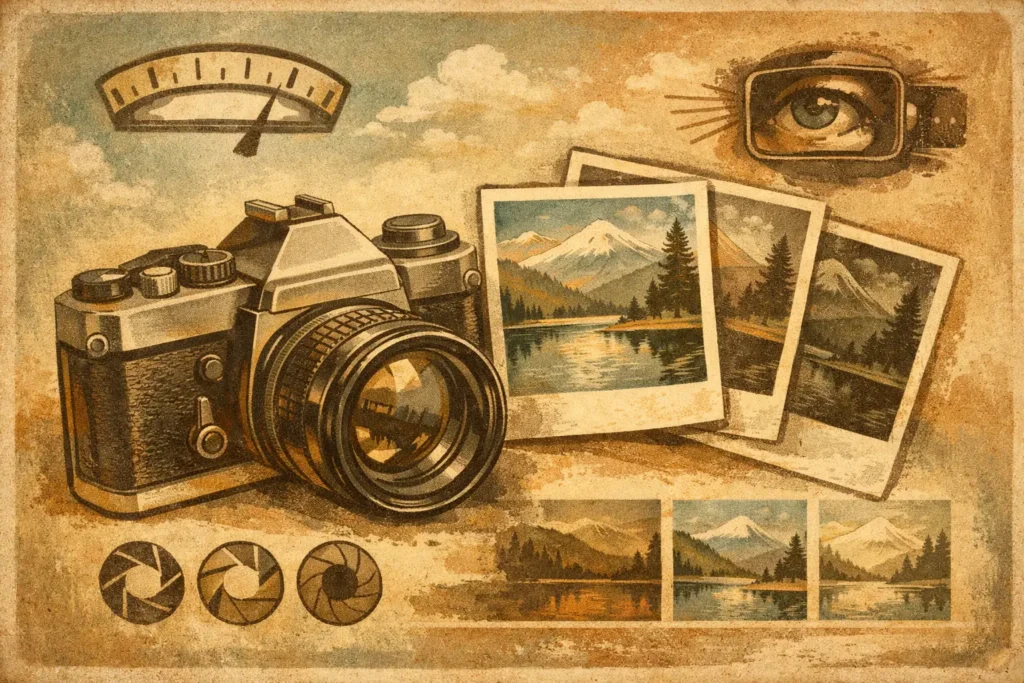
Auto exposure bracketing captures the same scene at different exposure values. A typical three-frame sequence may include a darker image for protected highlights, a middle exposure for overall balance, and a brighter image for shadow detail. Five- and seven-frame sequences add more tonal information when the scene has especially wide dynamic range.
The camera records useful clues, but a photo library does not always present them in a useful way. Brackets can sit beside similar-looking single images, accidental repeat shots, or sequences captured seconds apart. A photographer may also shoot several angles of the same room or landscape, making visual sorting unreliable.
Manual grouping works for a handful of frames. It does not scale well after a real-estate session with window views in every room, a travel shoot that includes bright skies and dark streets, or a landscape trip with dozens of sunrise compositions. The time cost is not just selecting files. It is repeatedly checking whether the chosen frames actually represent different exposures of the same scene.
What automatic exposure bracket detection looks for
Reliable bracket detection should not rely on thumbnails alone. Related frames often look very similar, while unrelated images can appear nearly identical. Instead, the software can use EXIF metadata and capture context to determine whether photos are likely part of one intentional AEB set.
Capture timing and sequence order
Bracketed images are normally taken in rapid succession. Their timestamps and order in the library provide an initial signal that they belong together. Timing alone is not enough, however. A photographer can take multiple single frames within the same second, especially with an iPhone or a fast camera workflow.
Exposure values
The defining characteristic of a bracket is deliberate exposure variation. Detection can examine exposure settings to find the expected progression from darker to brighter frames. This separates a real AEB sequence from a burst where each image was captured at essentially the same exposure.
Frame count and camera metadata
A useful detector recognizes common three-, five-, and seven-frame sets and checks supporting camera information. When timing, exposure values, and metadata agree, the software can confidently create a proposed bracket group. When the evidence is weak, it should avoid forcing unrelated photos into a merge.
That last point is important. Automation should reduce decisions, not create new cleanup work. Good detection favors confidence over aggressive grouping, so photographers do not waste brackets or spend time undoing incorrect selections.
Detect, merge, export
For most photographers, the best HDR workflow is not a complex cataloging exercise. It is a short, repeatable process that handles the repetitive work while keeping creative choices available.
1. Detect the bracket sets
Start by scanning the photo library for matching AEB groups. The result should be clearly organized sets rather than a long strip of individual images. You can review the detected frames before processing, but you should not need to hunt through the entire library to assemble each sequence yourself.
This is especially useful when a shoot includes both bracketed and unbracketed photos. Your standard exposures remain untouched, while the frames intended for HDR are ready to process.
2. Merge the exposures
Once a set is identified, the merge combines highlight information from the darker frames with shadow information from the brighter frames. A single capture can preserve a bright window or a shaded room, but often not both. HDR uses the bracket to retain detail across that range.
Alignment is essential here. Even a tripod setup can have minor movement from shutter action, wind, or a handheld camera adjustment. Automatic alignment corrects small shifts between frames before blending. For handheld brackets, this can be the difference between a usable merge and soft edges around buildings, furniture, or branches.
Motion introduces a separate challenge. Water, foliage, passing cars, people, and clouds may change between exposures. Deghosting identifies those changes and chooses a consistent version of the moving area. A low deghosting setting may preserve more natural texture in gentle movement, while a stronger setting can be useful for busy interiors or scenes with people walking through them. There is no single best level. The right choice depends on how much motion occurred and how visible it is in the final image.
3. Export the finished HDR image
After merging, tone mapping determines the final interpretation of the scene. A natural look usually suits architecture, real estate, and scenes where accurate color and restrained contrast matter. A vivid look can add presence to travel and outdoor images. A dramatic look can work well when the subject benefits from stronger local contrast and deeper tonal separation.
The key is that tone mapping should be a choice, not a second technical obstacle. Exporting at full resolution preserves flexibility for printing and later editing, while HEIC can be a practical option for efficient storage and sharing on Apple devices. Either way, the final image should be ready for your library in seconds, not trapped in a separate project system.
Where automatic detection saves the most time
Automatic grouping pays off most when the shooting conditions create a lot of brackets or make them difficult to distinguish at a glance. Real-estate photographers may capture several window-facing angles in one room, each with similar composition but different bracket sequences. Landscape photographers often shoot repeated brackets while waiting for changing light. Travel photographers can accumulate brackets between ordinary snapshots, making manual separation tedious later.
It also helps photographers who use more than three exposures. A seven-frame sequence carries more opportunity for detail retention in extreme contrast, but it also creates more chances to select a wrong frame by hand. Detection based on actual exposure information is more dependable than trying to recognize the pattern visually.
There are limits. If a camera did not write useful metadata, if frames were imported out of order, or if exposures were manually changed with long pauses between shots, detection may need a quick human review. That is reasonable. The objective is not to pretend every capture is identical. It is to automate the common, repetitive cases and leave photographers in control when a sequence is ambiguous.
Why local processing matters for HDR libraries
Bracketed images can reveal more than a final photo. They may include a client property, a family location, travel itinerary details, or unpublished work. Sending those files to a remote service just to identify a sequence and create a merge adds an unnecessary privacy trade-off.
Local processing keeps detection, alignment, deghosting, tone mapping, and export on the device. Nothing uploads. No account is required to process your images, and your photo library does not become a source of data for a remote server. For photographers handling client work or personal images, that is a workflow decision as much as a privacy decision.
MergeHDR applies this approach across Mac, iPhone, and iPad: EXIF-based bracket detection finds supported three-, five-, and seven-frame groups, then local tools handle alignment, deghosting, tone mapping, and export. The result is less time sorting and more time deciding how the image should look.
A bracket is captured to solve a lighting problem, not to create a file-management problem. Let the library identify the related exposures, then spend your attention on the details that actually make the final photograph yours.
Let MergeHDR find your brackets.
MergeHDR detects exposure brackets in your photo library and merges them into HDR photos on-device — keeping every edit, album, favorite, and location. No account; free to try, with unlimited saves for $19.99 once or $9.99/year on iPhone, iPad, and Mac.