Choosing a Photo Editor Without Cloud Upload
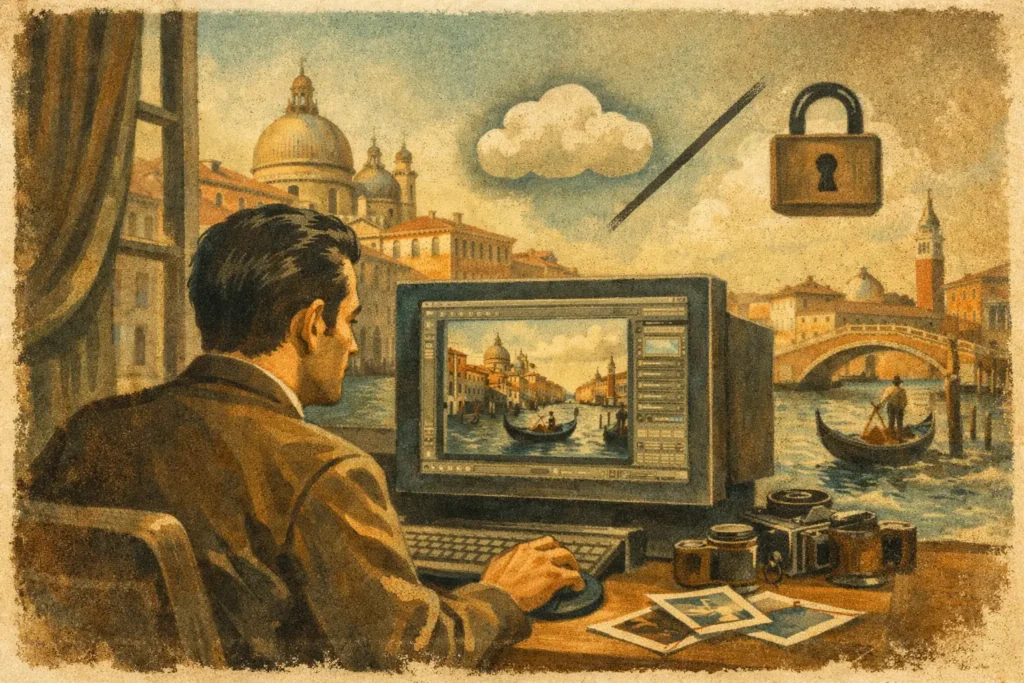
A bracketed interior with bright windows is not a file you want to send away, wait on, and hope returns correctly. You need a photo editor without cloud upload that can identify the exposure set, align it, control motion, and produce a finished image while the original photos stay on the device in your hands.
That requirement is about more than privacy. For photographers working with RAW files, full-resolution HEICs, real-estate interiors, travel landscapes, or client work, local processing affects speed, control, and reliability. Nothing uploads, there is no remote queue to monitor, and editing does not stop because you have weak Wi-Fi in a hotel, on location, or in the field.
Why cloud-free editing matters for HDR
HDR begins with a practical problem: one exposure rarely holds everything a scene contains. Expose for a bright sky or window, and foreground shadows may block up. Expose for the shadows, and highlights can clip beyond recovery. Auto exposure bracketing captures several frames at different exposure values so a merge can retain usable detail across the range.
The raw material can be sensitive. A home interior may reveal a client’s address, belongings, security layout, or family photos. A travel image can contain location clues before you are ready to share them. Commercial work may be under embargo. Uploading images to a server is not inherently wrong, but it adds another copy, another system, and another policy to trust.
A local workflow keeps the complete process on the Apple device: finding related exposures, reading their EXIF data, aligning frames, applying deghosting and tone mapping, then exporting the final image. Your originals remain in your library. The processing engine does not need to create a remote version of your shoot to do its job.
What a photo editor without cloud upload should do
Privacy is the starting point, not the full feature set. A useful cloud-free editor needs to reduce the actual work of HDR rather than move it somewhere else. For bracket photographers, the main test is simple: can it turn a set of captures into a clean result with no manual sorting and no wasted brackets?
Detect exposure brackets automatically
After a shoot, the frustrating part often comes before editing. A library can contain bursts, single exposures, similar compositions, and several 3-, 5-, or 7-frame bracket sets taken minutes apart. Manual grouping is slow, and a missed frame can compromise the merge.
Look for EXIF-based bracket detection that recognizes exposures belonging to the same auto-exposure-bracketing sequence. This changes HDR from a file-management task into an editing task. Instead of hunting through thumbnails and building stacks by hand, you can review the detected set and move directly to the image decision that matters.
This is especially useful for real-estate photographers moving room to room, landscape photographers shooting changing light, and anyone importing a full card after a trip. The more brackets you shoot, the more valuable automatic detection becomes.
Align frames before combining them
Even a careful handheld sequence can shift slightly between frames. Wind can move foliage. A camera can rotate by a fraction of a degree. A photographer may recompose unintentionally while triggering the bracket. Without alignment, edges can double, windows can look soft, and architectural lines can lose precision.
Automatic alignment should be standard in a practical HDR workflow. It corrects for small differences among the exposures before the merge, so the finished file reads as one photograph rather than several layered together. A tripod still helps in demanding scenes, but local alignment gives handheld work a much better chance of producing a usable result.
Handle movement with usable deghosting controls
Alignment fixes camera movement. It cannot fully solve subject movement between frames. Water, leaves, people, cars, curtains, and screens can appear in different positions or brightness levels across a bracket sequence. That creates ghosting when the frames are merged.
A good editor provides multiple levels of deghosting rather than forcing one generic correction. Low deghosting may preserve more detail in a mostly still landscape. Stronger deghosting may be the better choice for an interior with a moving person outside a window or trees shifting in the wind. There is a trade-off: aggressive correction can prioritize a stable subject over some fine blended detail. The right setting depends on the scene, which is why the control should stay with the photographer.
Offer tone mapping without burying the image
An HDR merge collects a wider range of scene information. Tone mapping determines how that information is displayed in the final image. The goal is not always a dramatic HDR look. Often the best result is the one that preserves the believable brightness of the scene while restoring detail in the sky, windows, and shadow areas.
Natural, vivid, and dramatic styles give photographers a fast starting point. Natural is often appropriate for architecture, property listings, and scenes where accurate material color matters. Vivid can add energy to travel and landscape work. Dramatic may suit scenes with heavy texture and weather, but it can look overprocessed if used indiscriminately. A local editor should let you select the look, assess it at full resolution, and export without repeatedly sending files to a remote service.
Local processing is also a speed decision
Cloud workflows add invisible steps. Files must upload, a service must receive and process them, and the result must download. That may be acceptable for occasional edits on a fast connection. It is less appealing when you have dozens of bracket sequences, large source files, or a deadline before leaving a property.
On-device processing removes the transfer bottleneck. You can work on an iPhone, iPad, or Mac and keep moving through the library. This is not a promise that every complex merge is instant, because full-resolution HDR processing still requires compute power. It is a more predictable workflow: the time goes into the image operation, not into transferring private files back and forth.
The practical sequence should be short: detect the brackets, merge the chosen set, and export the result. When those steps happen in one local environment, HDR becomes easier to use regularly instead of something reserved for the few images worth a long desktop session.
The trade-offs are real
A cloud-connected editor can offer conveniences such as accessing the same project from multiple devices, sharing previews with a remote team, or relying on server hardware for demanding computations. If collaborative review is your priority, those features can be useful.
But cloud access and cloud dependence are different things. A privacy-first workflow can still fit into a broader photography process. You can export the finished image when it is ready, then decide where and with whom to share it. The key difference is that your capture library and HDR source frames are not automatically sent to a third party just to complete an edit.
Local apps also require clear device support and thoughtful storage management. High-resolution source files occupy space, and HDR output can add more. That is a worthwhile consideration, but it is also a transparent one: you know where the files are, what they contain, and when they leave your device.
A better workflow for bracket photographers
For Apple photographers, MergeHDR is built around that local-first model. It detects 3-, 5-, and 7-frame AEB sets from the photo library, merges them with alignment and four deghosting levels, and exports full-resolution or HEIC results without an account or remote server dependency.
The strongest reason to choose this type of workflow is not fear of the cloud. It is control. You should be able to capture difficult light, keep every frame private, choose how the final image looks, and have it ready for your library in seconds. When HDR software removes manual sorting instead of adding another upload step, it leaves more time for the next photograph.
Let MergeHDR find your brackets.
MergeHDR detects exposure brackets in your photo library and merges them into HDR photos on-device — keeping every edit, album, favorite, and location. No account; free to try, with unlimited saves for $19.99 once or $9.99/year on iPhone, iPad, and Mac.