Tutorial
How to merge bracketed photos on iPhone
Shot AEB sets on a dedicated camera or a drone and want the HDR merge done before you're back at a desk? Here's the on-device workflow — no laptop, no cloud uploads, and no waiting until you get home.
Step by step with MergeHDR
-
Get your brackets onto the iPhone
Bring the bracketed frames into your Photos library — AirDrop from a camera, an SD card reader, or directly from a drone's companion app.
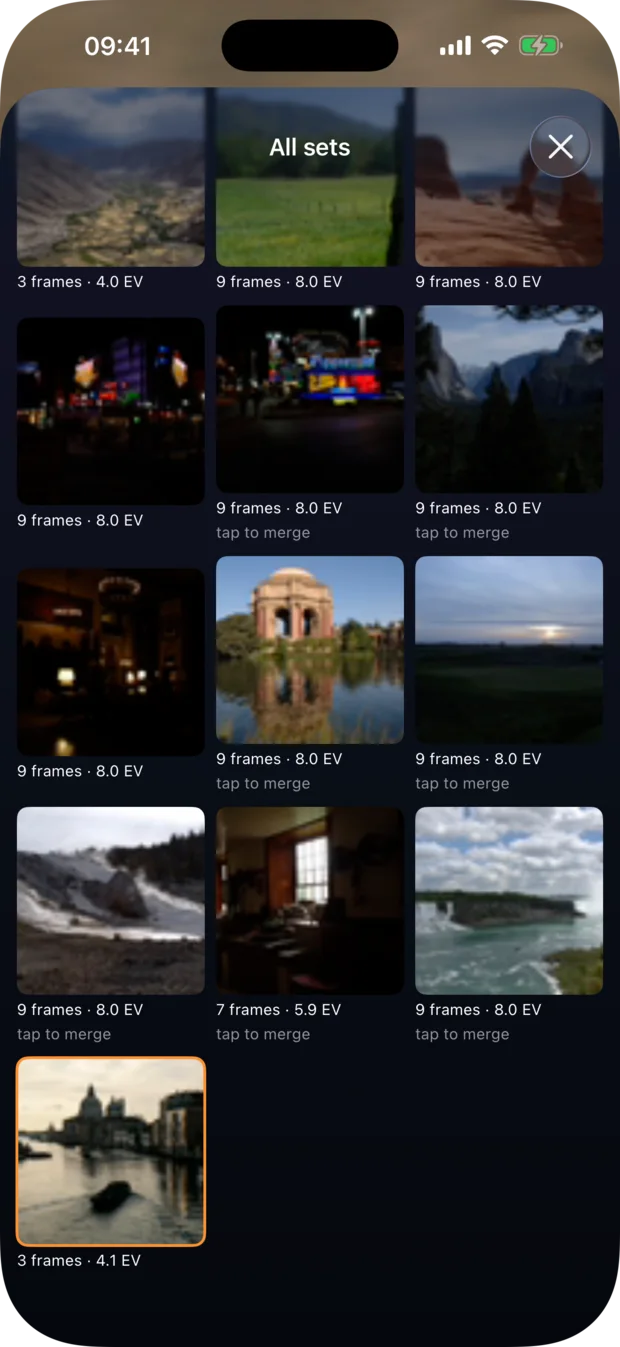
Step 1 — once the frames are in your Photos library, every set turns up here. -
Let MergeHDR find the set
MergeHDR detects the bracket automatically and gathers it in the shelf, so opening the app shows every detected set waiting for review.
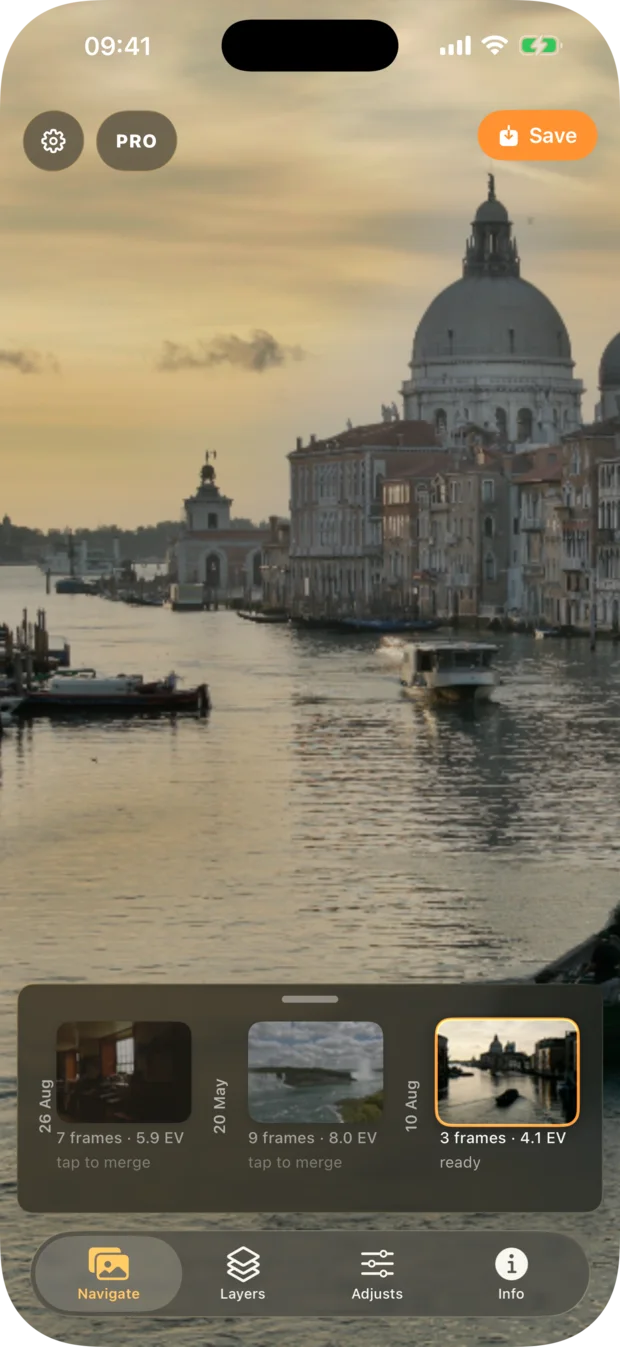
Step 2 — brackets are detected automatically and gather in the shelf. -
Review and merge
Tap the set, adjust deghosting and tone-mapping if you want a different look, and merge — the whole process runs on the iPhone itself.
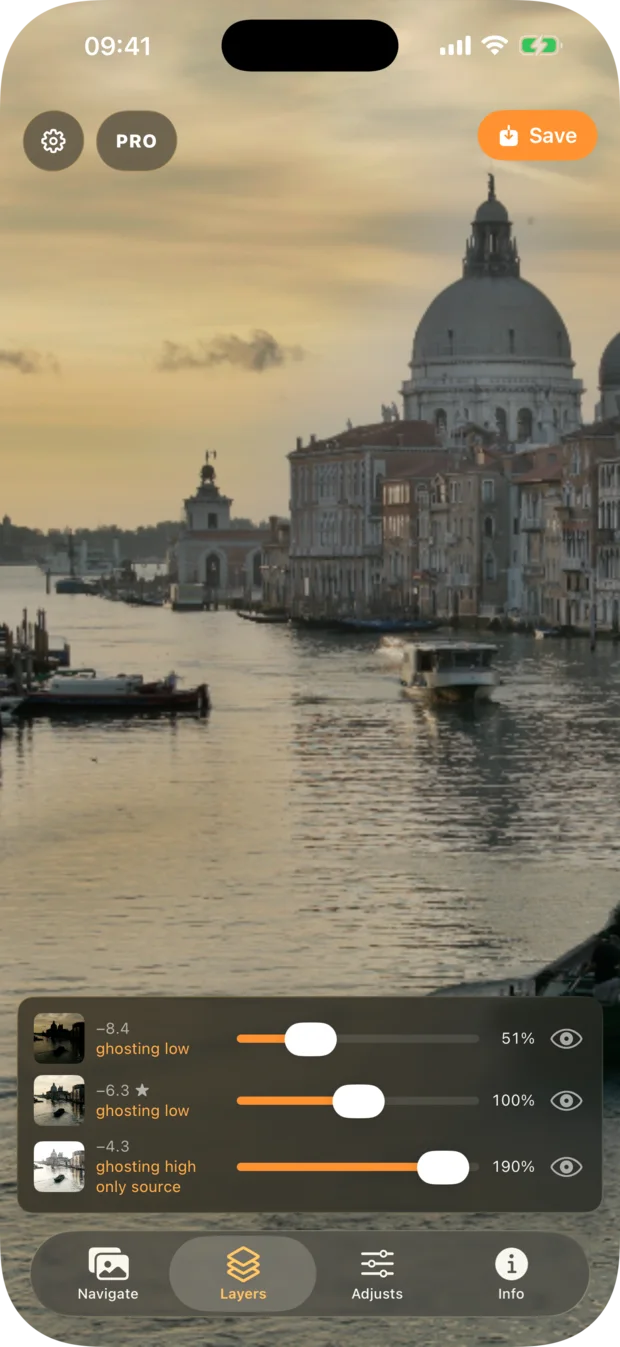
Step 3 — set deghosting per exposure and mix the layers, all on-device. -
Export
Save the merged photo at full quality, or compress it to HEIC to save space while you're still out shooting.
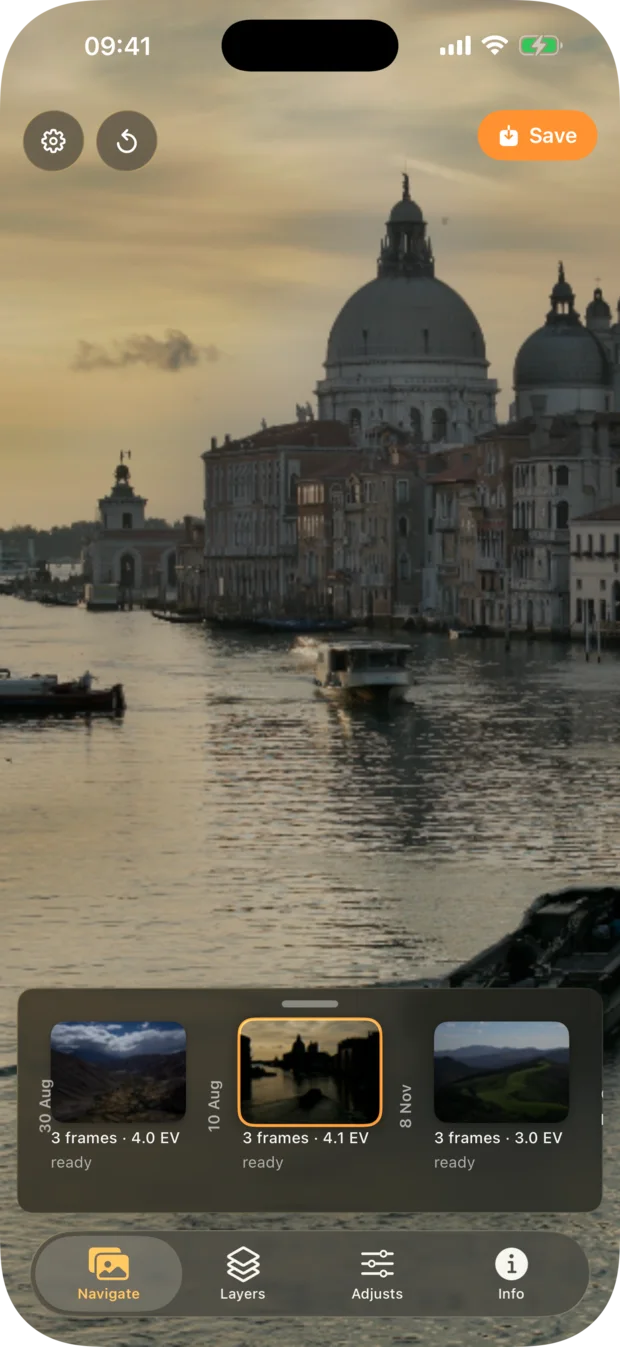
Step 4 — save the finished merge straight back to your library.
Isn't the iPhone camera already HDR?
It is, for photos the iPhone's own camera takes. Smart HDR (and, in low light, Deep Fusion) blends several frames together the instant you press the shutter in the Camera app — that happens automatically, with no separate exposures left over for you to work with afterward.
A bracket from a dedicated mirrorless or DSLR camera, or from a drone's exposure-bracketing mode, is a completely different situation: it arrives in your Photos library as several separate RAW files, not one already-blended photo. Apple's Photos app has no built-in way to combine those separate frames into a single HDR image — that gap between "my phone's camera does HDR automatically" and "I have a folder of unmerged RAW brackets from another camera" is exactly what this workflow fills.
Let MergeHDR find your brackets.
MergeHDR watches your photo library, detects your exposure brackets automatically, and offers the merge — on-device, no uploads.


