Best Settings for Interior Bracketing Photos
A bright window can be six stops brighter than the room around it. Expose for the view and the sofa turns into a shadow. Expose for the sofa and the glass becomes a blank white rectangle. The best settings for interior bracketing solve that capture problem before HDR processing begins, giving you clean highlight detail, usable shadows, and frames that merge without wasted brackets.
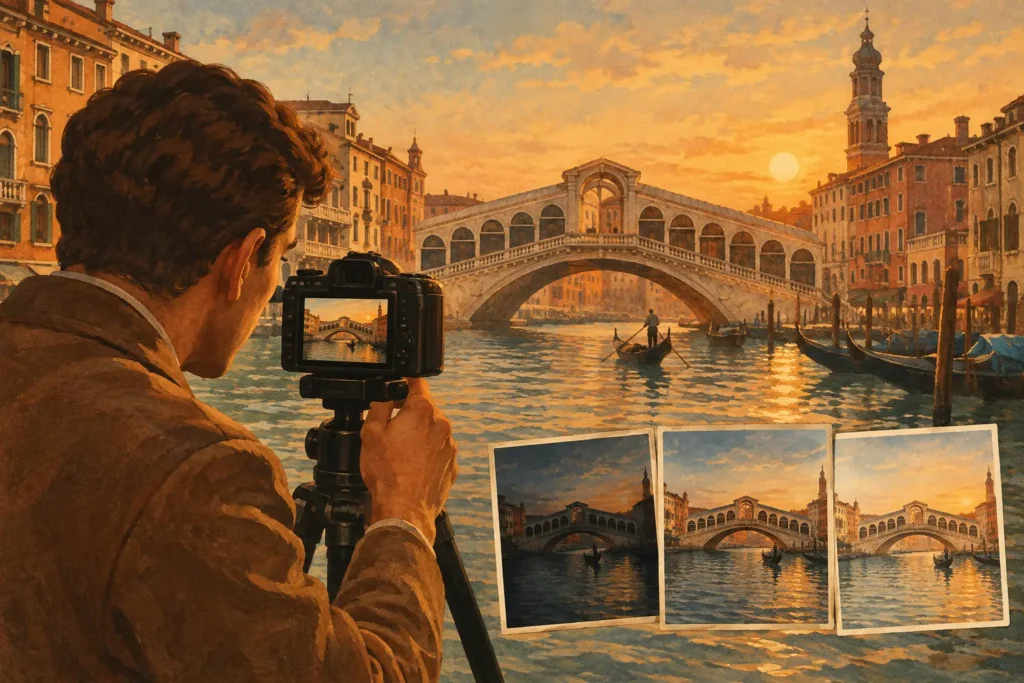
For most interiors, start with five exposures at 2 EV intervals, fixed aperture, base ISO, fixed white balance, and a tripod. That is the dependable real-estate and architecture baseline. Adjust the frame count and spacing only after you know what the windows, lighting, and movement in the scene require.
Best Settings for Interior Bracketing: The Baseline
Set the camera to manual exposure when possible. Choose the aperture, ISO, focus, and white balance yourself, then let shutter speed change across the bracket. This keeps depth of field, noise, and color consistent from frame to frame. HDR software can blend exposure differences; it cannot reliably correct a sequence where aperture, focus, or white balance changes halfway through.
A solid starting setup is f/7.1 to f/11, ISO 100 or your camera’s lowest native ISO, and five frames at -4, -2, 0, +2, and +4 EV. The aperture range usually provides enough depth of field for a room while avoiding the softness that can appear at very small apertures. If you are photographing a deep room with a close foreground detail, stop down a little further only when you need the added depth.
The shutter speed should be the variable. In a dim interior, the bright exposure may run several seconds, which makes a tripod and self-timer or remote release essential. Stabilization helps with individual frames, but it does not replace a stable camera when you need a clean multi-frame sequence.
Choose Frame Count by Scene Contrast
There is no single bracket count that fits every room. The right choice depends on the difference between the darkest useful shadow and the brightest detail you need to retain outside the windows.
Use 3 Frames for Moderate Contrast
Three frames at -2, 0, and +2 EV work well for a room with indirect daylight, small windows, or a view that is not much brighter than the interior. This is also the practical choice for handheld work or scenes with people, curtains, foliage, or traffic outside the windows.
The trade-off is coverage. A three-frame set can leave you without a dark enough exposure to protect a sunlit view, or without a bright enough frame for deep corners. Check the histogram rather than assuming the camera’s zero exposure is enough.
Use 5 Frames for Most Real-Estate and Architecture Work
Five frames at 2 EV spacing are the working standard for interiors with ordinary daylight windows. The sequence covers a wide range without creating an unnecessarily large stack: -4, -2, 0, +2, and +4 EV.
This setup gives the merge a properly exposed window frame, a balanced room exposure, and a bright shadow frame. It is efficient in the field and gives HDR processing enough information to produce a natural result instead of forcing heavy shadow recovery from one image.
Use 7 Frames When the View Is the Hard Part
Use seven exposures for a room with direct sun, large glass walls, a bright skyline, or an exterior view you need to preserve accurately. A 1 EV sequence from -3 to +3 can create smoother tonal coverage when the contrast is broad but gradual. A wider 2 EV sequence may be necessary for an extreme view, but it takes longer and raises the chance of movement between frames.
Do not choose seven frames just because more sounds safer. Every extra frame increases capture time, storage, and the opportunity for curtains, leaves, screens, or people to move. More frames are useful only when they protect detail that a five-frame set cannot hold.
Set the Endpoints, Not Just the EV Spacing
The camera’s meter does not know which part of the room matters to the final image. Before shooting the sequence, identify the brightest detail you want to keep. Usually it is the window view, a cloud edge, or detail in a bright wall near glass. Your darkest bracket should preserve that detail without highlight clipping.
Then check the darkest useful part of the room. It does not need to look bright in the capture, but it should contain visible information rather than a featureless black area. Your brightest bracket is there to record that shadow information with low noise.
This is why a centered bracket can fail. If the base exposure is metered for a dark room, even a -2 EV frame may still blow out the windows. If it is metered for the exterior, a +2 EV frame may not open the interior enough. Shift the base exposure or extend the bracket so both endpoints contain real image data.
Lock the Settings That Must Not Change
Auto white balance is one of the most common causes of uneven interior HDR color. A camera may read a warm lamp in one frame and a cool window in another, especially when the exposure range is wide. Set a fixed white balance based on the dominant light source, or use a custom value when color accuracy matters.
Mixed lighting deserves separate attention. Daylight from windows, warm tungsten fixtures, and colored LEDs can all exist in the same room. Bracketing fixes exposure range, not conflicting color temperatures. If the room is being photographed for a listing, decide whether the lights should be on or off before the bracket. Keeping fixtures on can make the space feel inviting, but it may introduce warm pools of light and clipped bulbs. Turning them off creates a cleaner daylight image but can make the room feel less lived in.
Lock focus too. Autofocus can shift between frames if a focus point lands on a bright window in one exposure and a dark chair in the next. Focus once, switch to manual focus if your camera allows it, and do not touch the focus ring while the bracket runs.
Control Movement Before You Merge
A perfectly bracketed room can still produce artifacts when the scene changes during capture. Close doors, pause ceiling fans, straighten sheer curtains, and watch for trees moving through the windows. If exterior foliage is active, capture the sequence quickly and consider using fewer frames. A fast three-frame bracket with complete highlights is often better than a seven-frame set full of motion.
For handheld interiors, prioritize speed. Use continuous bracketing, image stabilization, and a shutter speed fast enough to avoid camera movement in the middle exposure. Keep the bracket to three frames when possible. Alignment can correct small shifts, but it cannot recreate fine detail blurred by slow shutter speeds or heavy hand movement.
Deghosting is the safety net for motion, not a substitute for clean capture. Use a lighter deghosting setting for mostly still scenes and increase it when trees, curtains, people, or vehicles appear in the frame. Stronger deghosting can protect moving edges, but it may favor one source frame and reduce some of the smooth blending you expected in stationary areas.
A Faster Detect, Merge, Export Workflow
Once the capture is consistent, the post-processing job should not start with hunting through a camera roll for matching files. MergeHDR identifies 3-, 5-, and 7-frame auto-exposure-bracketing sets from EXIF data, aligns the frames, and lets you select deghosting and a natural, vivid, or dramatic tone-mapping result. No manual sorting and no wasted brackets.
For interiors, begin with a natural tone-mapping style. It keeps wall color, window views, and shadow transitions believable, which matters more than exaggerated local contrast in real-estate and architectural images. Increase the look only when the scene benefits from it, such as a textured historic room or a deliberately bold editorial image.
The complete workflow stays on your Apple device. Nothing uploads, and your source images remain in your library while you export a full-resolution HDR result or HEIC version for the destination you need.
Before leaving a room, review one bracket at full size: inspect the window edge, a deep corner, and any moving detail. That thirty-second check is usually more valuable than trying to rescue missing highlights later. A clean sequence with fixed color, stable focus, and intentional endpoints gives every merge the information it needs to look like the room, not an HDR effect.
Let MergeHDR find your brackets.
MergeHDR detects exposure brackets in your photo library and merges them into HDR photos on-device — keeping every edit, album, favorite, and location. No account; free to try, with unlimited saves for $19.99 once or $9.99/year on iPhone, iPad, and Mac.