HDR Photo Privacy: Why Local Processing Wins
A five-frame bracket of a sunlit room may include far more than exposure information. It can show a client’s home, family photos on a wall, security hardware, a window view, and GPS location data. HDR photo privacy is not an abstract policy question when your source images contain that level of detail. It is a workflow decision: where do the frames go, who can access them, and what happens to them after the merge?
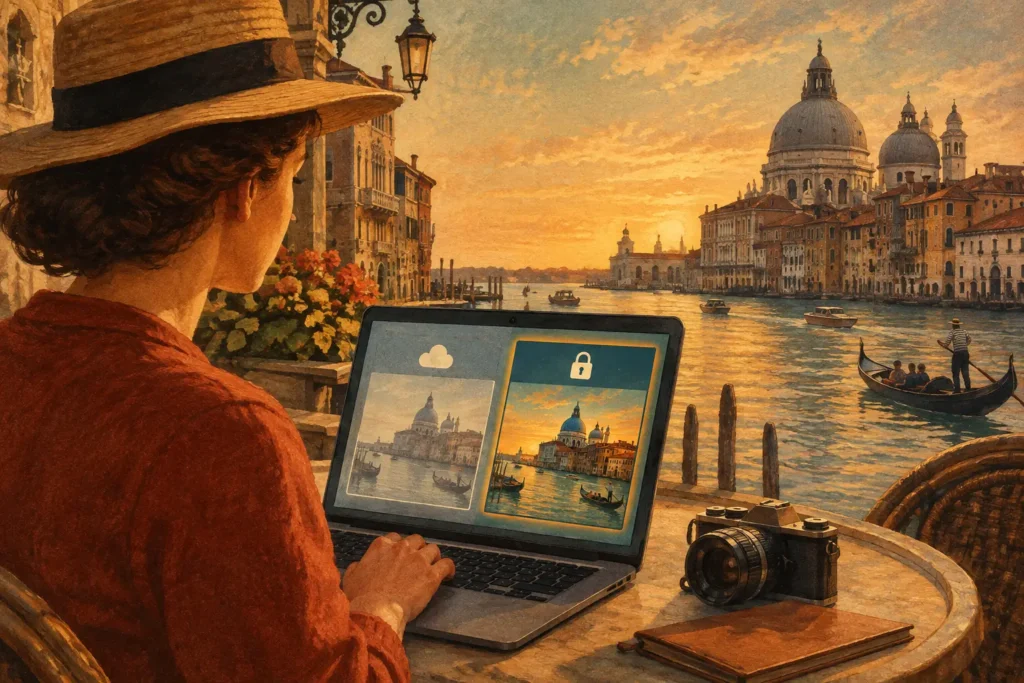
For photographers who work on Apple devices, the most direct answer is local processing. Your bracketed frames stay on your iPhone, iPad, or Mac while the app detects the set, aligns it, handles movement, tone maps the result, and saves the final image back to your library. Nothing uploads. No account is required. That gives you a simpler workflow and a clearer boundary around sensitive images.
Why HDR Photo Privacy Needs More Attention
A normal single-image edit can be sensitive. An HDR workflow often has more exposure to protect because it starts with multiple source files. A three-, five-, or seven-frame auto-exposure-bracketing sequence can capture the same place across shadow, midtone, and highlight exposures. Together, those frames may reveal details that disappear in a standard image: paperwork on a desk, artwork inside a property, faces in a dark foreground, or a street address visible through a bright window.
The HDR merge also creates a processing decision. Some tools require images to be uploaded to remote infrastructure before they can be aligned, merged, or rendered. That can be convenient for certain workflows, especially when teams need shared access. But it also means your original frames leave the device where you took or imported them. If you photograph private residences, commercial interiors, travel locations, works in progress, or unreleased products, that trade-off deserves a deliberate decision.
Local HDR processing keeps the entire operation within your device environment. The source brackets remain in your photo library, the merge happens on-device, and the exported result stays under your control. For many photographers, that is not just a privacy preference. It is the cleanest operational setup.
What Can Be Exposed in an HDR Workflow
Privacy is more than the finished photo. The risk can sit in the pixels, the file metadata, and the path images take through an app.
Source Frames Often Show More Than the Final Image
HDR brackets are intentionally broad. The darker exposure protects bright skies and windows. The lighter exposure opens deep shadows. When those frames are viewed separately, each may reveal information you would not deliver in the final image.
Consider a real-estate shoot. A bright frame may make personal belongings visible in a cabinet or corner of a room. A dark frame may preserve a clear exterior view through windows, including neighboring homes or license plates. The final tone-mapped image can be carefully composed and retouched, but the original brackets still need appropriate handling.
The same applies to architecture, hospitality, travel, and client work. A sequence captured for one polished image may contain dozens of details that are useful for processing but not meant for wider access.
EXIF Metadata Can Add Context
Image metadata can include capture time, camera model, lens settings, exposure values, and sometimes location coordinates. Those details are useful for detecting auto-exposure-bracketing sets automatically. They can also add context that a photographer may not want copied unnecessarily into third-party systems.
Metadata is not inherently a problem. It is part of an efficient photographic workflow. The key is control. You should know whether an HDR app reads metadata only on your device to group related frames, whether it sends that information elsewhere, and what export choices are available for the image you share.
Accounts and Cloud Dependencies Create More Copies
An account-based workflow can create additional records around your images: uploads, previews, processing jobs, backups, analytics events, and service logs. Responsible providers may secure those systems well, but every additional copy and access layer changes the privacy equation.
That does not mean every cloud workflow is wrong. A distributed editing team may need central access. A photographer may choose cloud storage for backup or delivery. The practical point is to separate those choices. You can keep HDR merging local, then intentionally decide when and where a completed export should be shared.
The Local Workflow: Detect, Merge, Export
A privacy-first HDR workflow should not force you to trade speed for control. The process can remain straightforward.
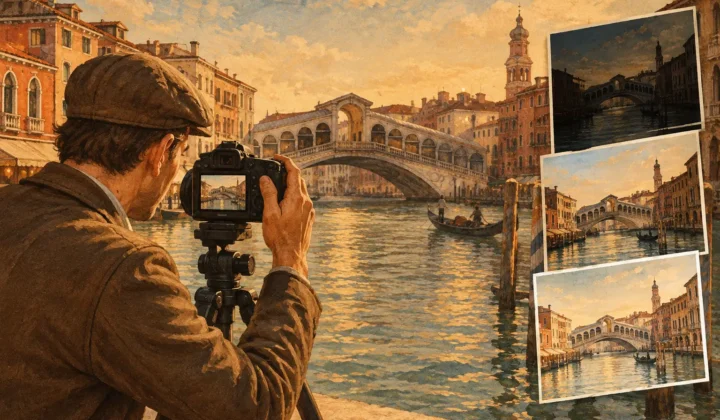
First, detect the bracket sets already in your library. EXIF-based detection identifies related three-, five-, and seven-frame AEB sequences without manual sorting. You do not need to search through a trip, a property shoot, or a camera import and guess which files belong together. No wasted brackets and no unnecessary uploads just to identify a sequence.
Next, merge on the device. Automatic alignment corrects small shifts between handheld frames, while deghosting addresses movement in foliage, water, people, or passing vehicles. These are computational tasks, but they do not require a remote server to be useful. The app can combine exposure data locally, preserve highlight detail, lift usable shadow information, and give you a clean base image without sending the scene away.
Then export the result. Select a natural, vivid, or dramatic tone-mapped look based on the image and intended use. A natural rendering may suit a listing or architectural deliverable, while a more vivid treatment can work for travel or landscapes. Export at full resolution or as HEIC when file efficiency matters, and keep the final image ready for your library in seconds.
MergeHDR is built around that local model. It processes bracket detection, alignment, deghosting, tone mapping, and export on your Apple device, with no account, cloud upload, or remote server dependency.
Local Processing Is About Control, Not Fear
Cloud services are not automatically unsafe, and local processing is not a substitute for basic device security. If your phone or Mac is unlocked, shared, poorly backed up, or signed in to an account you do not control, local images can still be exposed. Privacy works best as a set of practical choices rather than a single feature.
Use a strong device passcode, keep your operating system current, and review who has access to shared photo libraries. For client work, think carefully before placing originals in shared albums or messaging apps. If location privacy matters, review export settings before posting publicly. A finished HDR can be beautiful and still contain metadata you prefer not to distribute.
The advantage of local HDR processing is that it reduces one major variable. Your brackets do not need to leave the device merely to become one image. You retain control over the first and most sensitive stage of the workflow.
When a Cloud Workflow May Still Make Sense
There are cases where remote processing or storage is a reasonable choice. A multi-person production team may need shared access to files. A photographer working across locations may rely on a managed archive. A client may require delivery through a specific platform.
In those situations, start with the question of necessity. If cloud access is needed for collaboration, upload the files required for that collaboration and understand the platform’s retention, access, and metadata practices. If it is not needed, there is little reason to add it to the HDR merge itself.
This distinction matters because HDR source sets are larger and more revealing than a single finished photograph. Keeping the merge local lets you choose what to share after you have reviewed the result, not before.
A Better Standard for Sensitive Brackets
The best HDR workflow is not the one with the most complicated controls. It is the one that turns a difficult high-contrast scene into a usable image without creating extra work or extra exposure. Automatic grouping removes the bracket-sorting chore. Alignment and deghosting reduce reprocessing. Local rendering keeps the original frames where they belong.
Before your next interior, sunset, or travel shoot, treat privacy as part of the capture-to-export process. Keep the brackets local, inspect the final image and its metadata before sharing, and send only the version that needs to leave your library.
Let MergeHDR find your brackets.
MergeHDR detects exposure brackets in your photo library and merges them into HDR photos on-device — keeping every edit, album, favorite, and location. No account; free to try, with unlimited saves for $19.99 once or $9.99/year on iPhone, iPad, and Mac.