Local Photo Processing for HDR Without Uploads
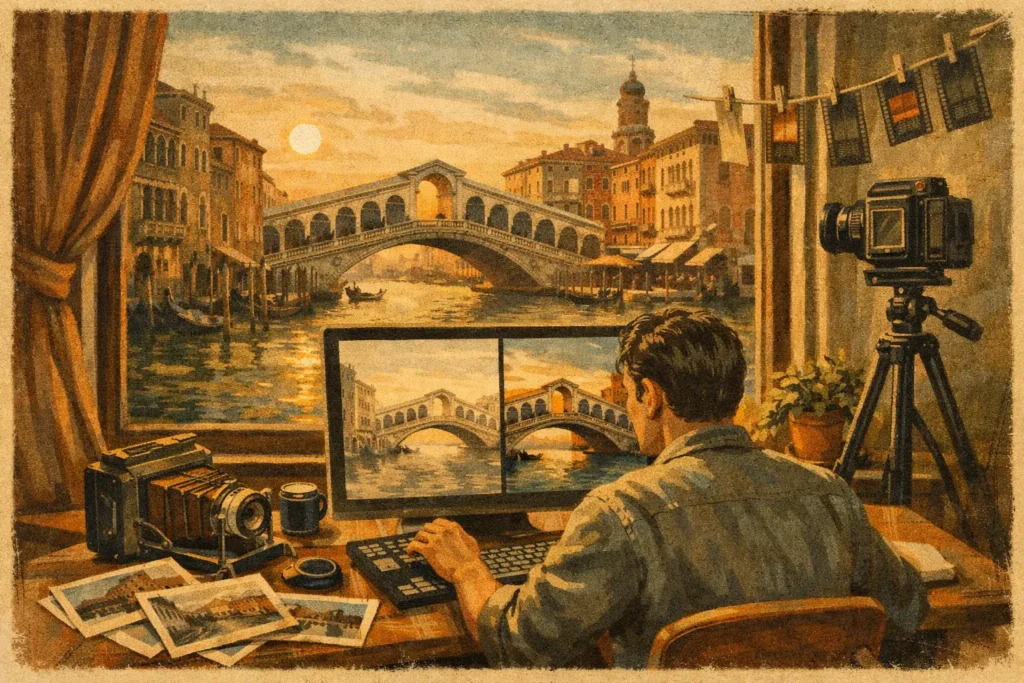
A bright window behind a carefully lit room can force an unnecessary choice: preserve the view outside or keep detail in the interior. The same problem appears in sunsets, mountain overlooks, shaded streets, and architecture with reflective surfaces. Local photo processing gives exposure-bracketed images a practical path to a finished HDR file without sending the original frames anywhere else.
For photographers using Apple devices, that distinction is more than a privacy preference. It changes the workflow. Your camera frames stay in your library, processing does not wait on an upload queue, and a merge can be ready for review while you are still on location. Nothing uploads. Your images remain on your device.
Why HDR Workflows Need Local Photo Processing
A single exposure has a limited range. Expose for a bright sky and the foreground may fall into noise-filled shadow. Expose for the shadows and clouds, windows, or light fixtures can clip to solid white. Auto exposure bracketing solves the capture side of the problem by recording several frames at different exposure values.
The work begins afterward. A typical 3-, 5-, or 7-frame bracket has to be recognized as one sequence, not as unrelated photos scattered among the rest of a shoot. The frames must be aligned, moving elements need to be handled, and the combined image needs tone mapping that fits the scene rather than applying a generic effect.
Cloud-based editing can accomplish some of this, but it adds trade-offs. Uploading full-resolution photos takes time, particularly on hotel Wi-Fi or cellular data. It also means sensitive location images, client interiors, family photos, or unreleased work leave your device. A subscription, account, or server dependency may be acceptable for certain teams, but it is not required for a strong HDR workflow.
Local processing keeps the task where the photographs already are. It is especially useful when you have hundreds of bracketed frames after a trip, a property shoot, or a day of landscape photography. The goal is not simply private processing. It is no manual sorting, no wasted brackets, and fewer interruptions between capture and delivery.
Detect the Brackets Without Hunting for Them
The least interesting part of HDR editing is often the part that consumes the most time: locating matching exposures. When the library contains bursts, edited copies, panorama attempts, and regular photos alongside AEB sequences, visual sorting is slow and error-prone.
EXIF-based bracket detection uses the metadata recorded by the camera to identify exposures that belong together. A useful local HDR workflow recognizes common 3-, 5-, and 7-frame AEB sets and presents them as merge candidates. Instead of inspecting timestamps and exposure values frame by frame, you begin with organized groups.
This matters for more than convenience. Missing the darkest frame can leave clipped highlights unrecoverable. Including a similar-looking but unrelated image can create an unusable merge. Automated detection reduces those avoidable errors while leaving the photographer in control of which groups to process.
There are cases where automatic grouping needs a quick review. If you pause for a long time between frames, change focal length, or mix separate bracket runs in the same sequence, metadata alone cannot always infer your intention. But for normal AEB capture, detection should remove the repetitive work, not add another organizational task.
Merge for Detail, Not an Overprocessed Look
Once a bracket set is identified, alignment is the first requirement for a clean result. Even a tripod is not a guarantee of pixel-perfect matching. A light touch on the camera, vibration from a wood floor, or a changing focal setup can shift the frames. Handheld brackets need even more help.
Automatic frame alignment corrects for these small offsets before the exposures are combined. Without it, fine edges around rooflines, window frames, branches, and architectural details can look doubled or soft. Good alignment lets the merge use highlight data from darker frames and shadow data from brighter frames without making the image look assembled.
Motion creates a different problem. Leaves move, water shifts, people walk through a lobby, and cars pass through a street scene. When the same object appears in different positions across the bracket, a basic merge can produce ghosts or partial duplicates.
Deghosting decides how aggressively the processing should favor one frame for moving areas. A low setting can preserve subtle texture when the scene is mostly still. Higher levels are useful when foliage, waves, flags, or people have changed noticeably between exposures. There is no single best setting. Strong deghosting can produce a cleaner subject, but overly aggressive choices may simplify delicate detail. The right level depends on the motion in the scene.
Tone mapping is where technical recovery becomes the final photograph. A natural setting is often the right starting point for real estate, architecture, and documentary travel images, where believable window views and clean interior detail matter. A vivid treatment can give color and local contrast more presence. A dramatic treatment can suit weather, landscapes, or scenes where a stronger interpretation is intentional.
The practical advantage is being able to test those looks without rebuilding the merge from scratch or exporting to a separate desktop suite. HDR should recover what the camera could not hold in one exposure. It does not need halos, gray skies, or crunchy texture to prove it worked.
A Faster HDR Workflow on Mac, iPhone, and iPad
The useful model is simple: Detect, Merge, Export.
Detect starts with the photo library. The app identifies likely exposure brackets from their EXIF data, so the photographer can move directly to viable sets rather than sorting folders or creating stacks by hand.
Merge applies alignment, deghosting, and the chosen tone-mapping treatment locally. The key benefit is repeatability. A landscape photographer can process several sunset brackets on an iPad while traveling. An architecture photographer can review interiors on a Mac after a shoot. In both cases, the source images remain available in the local library and the workflow does not depend on a remote queue.
Export creates a file that fits the next step. Full-resolution export is appropriate when the HDR image will enter a larger editing workflow, be printed, or be delivered to a client. HEIC can be a sensible choice when efficient storage and Apple-native sharing matter more than a larger file. The best format depends on where the image is going, not on a fixed rule.
MergeHDR is built around this workflow for Mac, iPhone, and iPad. It detects brackets, aligns frames, offers four deghosting levels and selectable natural, vivid, and dramatic tone mapping, then exports the finished image without account creation or cloud upload. The result is ready for your library in seconds, not after a server round trip.
When Local Processing Makes the Most Sense
Local HDR processing is particularly well suited to photographers who work with private, high-volume, or time-sensitive images. Real estate photographers may not want occupied homes and client interiors copied to a third-party service. Travel photographers may be working without dependable connectivity. Landscape photographers often return with dozens of brackets that need review before the light or location is forgotten.
It also suits photographers who prefer a focused tool over a full catalog application. A large editor can be the right choice when you need layers, extensive retouching, asset management, and collaborative review. But those features can be unnecessary overhead when the immediate task is to turn a bracket set into a well-aligned, clean HDR image.
Local does not mean isolated. You can still export the completed HDR file for editing, sharing, printing, or delivery through the tools you already use. The difference is that the merge itself happens under your control, on the device holding the photos.
The next time a scene contains both deep shade and bright highlights, shoot the bracket, keep every frame local, and let the processing remove the busywork rather than add to it.
Let MergeHDR find your brackets.
MergeHDR detects exposure brackets in your photo library and merges them into HDR photos on-device — keeping every edit, album, favorite, and location. No account; free to try, with unlimited saves for $19.99 once or $9.99/year on iPhone, iPad, and Mac.