How to Reduce Bright Sky in Photos Without Flat HDR
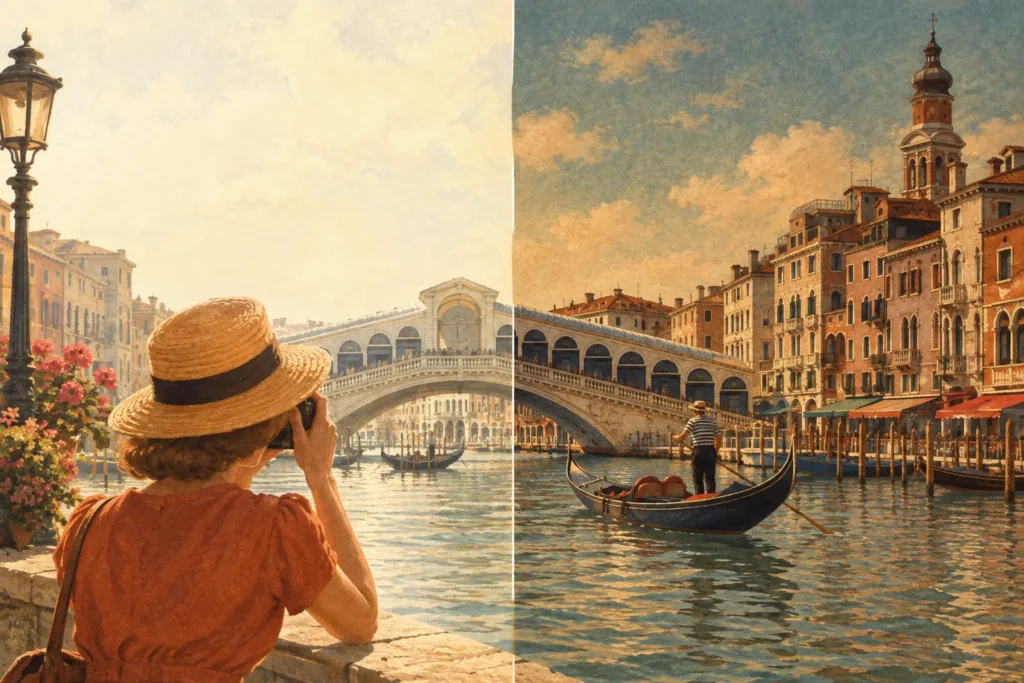
A bright sky can turn an otherwise strong photo into a compromise. Expose for the foreground and clouds wash into featureless white. Expose for the clouds and your landscape, room, or building falls into heavy shadow. To reduce bright sky in photos, you need to preserve highlight information before it is clipped, then combine or adjust that information without making the whole image look artificial.
The reliable answer is not to darken every sky after the fact. It is to capture the scene’s full exposure range, then use an HDR workflow that keeps the sky under control while retaining believable contrast and color in the rest of the frame.
Why a Single Exposure Loses the Sky
Your camera can record only a limited range of brightness in one frame. A scene with direct sun, bright clouds, reflective water, dark trees, or an interior with windows can exceed that range quickly.
When the sky is brighter than your camera’s highlight capacity, pixels reach pure white. This is highlight clipping. Once a cloud is clipped, editing can often darken the white area, but it cannot restore texture that was never recorded. The result may be a gray-looking sky rather than a detailed one.
Modern iPhone cameras and RAW files can recover some highlight detail, especially when you slightly protect the brightest parts of the frame. But recovery has limits. Strongly pulling down highlights can shift colors, flatten cloud contrast, and create an uneven transition around rooflines, trees, or mountains.
For scenes with a moderate brightness difference, a carefully exposed single RAW image may be enough. For a sunrise over dark terrain, a backlit building, or a room facing bright windows, exposure bracketing is usually the cleaner option.
Reduce Bright Sky in Photos at Capture Time
The best post-processing result starts with usable source frames. If you regularly photograph high-contrast scenes, set up auto exposure bracketing (AEB) on your camera. A typical bracket includes a normal exposure, one or more darker exposures for the sky, and one or more brighter exposures for the shadows.
A three-frame bracket works well for many outdoor scenes. Five or seven frames give you more coverage when the contrast is extreme, such as an architectural interior with sunlit windows or a sunset behind a shaded foreground. The extra frames are not automatically better, though. They take longer to capture and increase the chance of movement between images.
Use a bracket interval wide enough to make each frame useful. If the darkest exposure still shows a blown-out sky, it is not protecting the highlights you need. If the brightest exposure is only marginally brighter than the middle frame, it may add little shadow detail. For many cameras, a 2 EV spacing is a practical starting point, then adjust for the scene.
Meter for the Important Highlights
If you are shooting a single frame, expose with the brightest important areas in mind. The goal is not to make the whole image look dark on the camera preview. It is to avoid clipping the textured parts of the sky you want to keep, such as clouds near the sun or detail around a bright horizon.
Watch the histogram and highlight warnings when your camera provides them. A histogram pushed hard against the right edge can signal clipping. A small specular reflection may be acceptable, but broad clipped cloud areas are harder to repair.
On an iPhone, tap the brighter part of the scene to meter there, then lower exposure if needed. This can protect the sky in a single shot, but expect the foreground to become darker. For a scene with both a bright sky and a meaningful shadowed subject, multiple exposures remain the better choice.
Keep the Bracket Stable
HDR merging depends on frames that describe the same scene at different exposures. A tripod is ideal for architecture, real estate, and landscape work. It keeps fine edges consistent and lets the merge prioritize image quality instead of correcting camera movement.
Handheld brackets can still work well, particularly when the camera captures the sequence quickly. Leave some room around critical edges, avoid shifting your stance mid-burst, and use a faster shutter speed when wind is moving leaves or water is breaking into waves. Alignment software can correct modest camera movement, but it cannot fully replace stable capture.
Merge Brackets Instead of Forcing Highlight Recovery
A properly merged HDR image uses the darker frame where the sky holds detail and the brighter frame where the foreground needs information. This is fundamentally different from dragging down a global exposure slider. The sky remains detailed because the merge has real highlight data to work from.
The workflow should be straightforward: detect the bracket set, merge the aligned frames, then export the result for your library or final edits. Manual sorting is one of the most common slowdowns, especially after a trip or property shoot with dozens of nearly identical frames. EXIF-based grouping removes that work by identifying related 3-, 5-, and 7-frame AEB sequences.
MergeHDR follows this Detect, Merge, Export approach on Mac, iPhone, and iPad. It identifies bracket sets from your library, aligns the frames, and processes the merge locally on your device. Nothing uploads, so sensitive client interiors, travel images, and personal photo libraries stay where they belong.
Choose Tone Mapping That Keeps the Scene Believable
An HDR merge is only the start. Tone mapping determines how the expanded range is displayed in a normal image file. This is where a natural sky can become too dark, too saturated, or overly textured if processing is pushed too far.
For most landscapes, real estate images, and travel photos, start with a natural tone-mapping setting. It should retain cloud detail and open shadows without making every surface equally bright. A sky is allowed to be bright. The objective is detail and balance, not turning noon into late afternoon.
A vivid setting can work when the scene already has strong color, such as blue-hour architecture or a dramatic coastline. Use it carefully around foliage and warm sunset tones, where saturation can become distracting fast. A dramatic setting may suit a deliberate editorial look, but it is rarely the safest default for client work or images that need to feel true to the location.
Check the image at full size before export. Look closely at the border where a bright sky meets a roof, ridge line, tree canopy, or window frame. Halos, light outlines, and strange color shifts are signs that the tone mapping or local contrast is too aggressive.
Handle Movement With the Right Deghosting Level
Clouds move. Leaves move. Water moves. People and vehicles move. When objects shift between bracket frames, an HDR merge can show double edges or translucent patches unless it uses deghosting.
Use the lowest deghosting level that resolves visible movement. Light deghosting is often enough for a handheld landscape with soft leaf motion. Stronger deghosting can be necessary for waves, pedestrians, flags, or trees in wind, but it may favor one exposure in the moving region. That can mean a small part of the sky or foreground does not receive the same full HDR benefit as the static parts of the image.
This is a useful trade-off, not a failure. A clean tree or person usually matters more than extracting every last stop of tonal range from a moving area. Review the result and increase deghosting only where the image needs it.
When a Graduated Filter or Single RAW Is Better
HDR is not the only way to control a bright sky. A physical graduated neutral-density filter can reduce sky brightness during capture while preserving a single exposure. It is particularly effective with a clean, level horizon, such as an ocean scene. It becomes less practical when mountains, buildings, or trees break across the transition line.
A single RAW file is often preferable for fast-moving subjects, street photography, and scenes with only a small highlight problem. It is faster to shoot and avoids motion artifacts entirely. Protect the highlights, then lift shadows moderately in post-processing.
For static or mostly static scenes with windows, bright skies, deep shade, or reflective surfaces, bracketed HDR is usually more forgiving. It gives you exposure information instead of asking one frame to do impossible work.
Export for the Way You Will Use the Photo
Export at full resolution when you may crop, print, deliver to a client, or continue editing. HEIC can be a smart choice for efficient storage in an Apple-centered library, while other formats may make sense for a wider editing or delivery workflow.
Before you save, ask one practical question: does the sky look like it belongs to the scene? Detailed clouds are useful only if the foreground still has believable depth and the overall image does not look processed. A successful HDR photo does not announce its technique. It simply holds detail where a single exposure could not.
The next time a bright sky competes with your subject, do not settle for a dark foreground or a blank white horizon. Capture the range, merge only the brackets you need, and keep the final adjustment focused on a photograph that still feels real.
Let MergeHDR find your brackets.
MergeHDR detects exposure brackets in your photo library and merges them into HDR photos on-device — keeping every edit, album, favorite, and location. No account; free to try, with unlimited saves for $19.99 once or $9.99/year on iPhone, iPad, and Mac.